Tutorial 4: Decisions and paths#
The requirement: each of the manager's choices leads somewhere: approved requests are recorded, rejected ones are not, and a request that needs more information goes back to the employee. Whatever happens, the employee is told.
The gateway and its conditions#
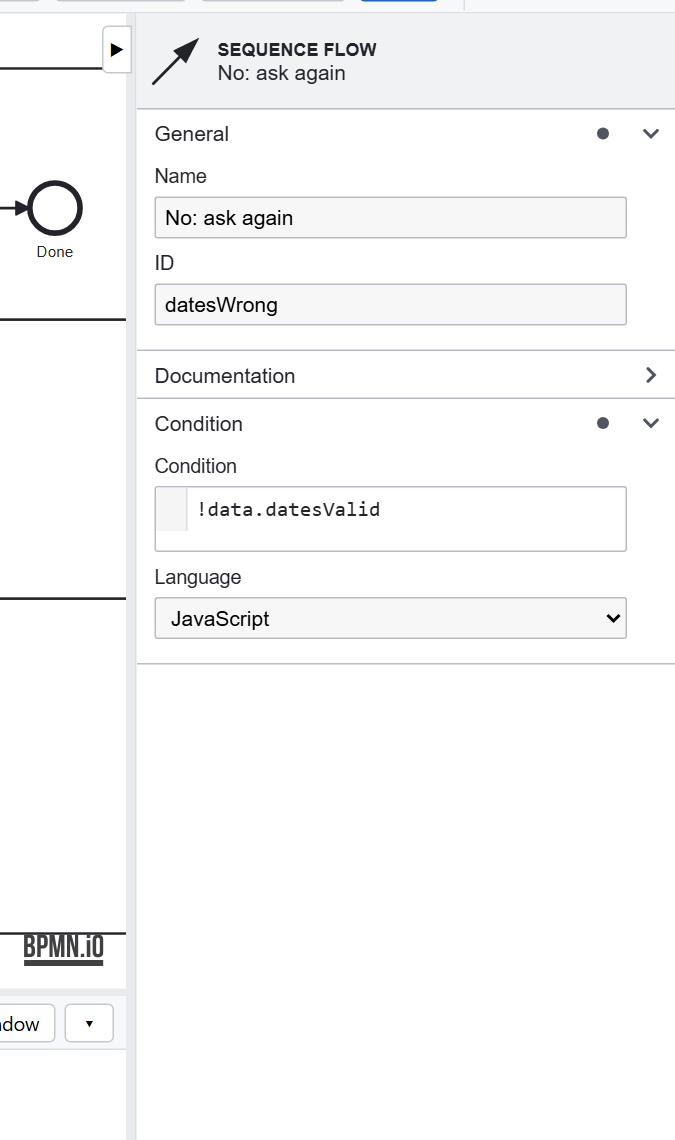
The Outcome? gateway after Approve has three flows out. Each has a Condition, a JavaScript expression on the instance's data:
| Flow | Condition |
|---|---|
| Rejected | data.approval == 'Reject' |
| Information required | data.approval == 'InformationRequired' |
| Approved | none: the gateway's default flow, taken when no other condition holds |
A default flow (the small slash on it) means the gateway always has somewhere to go. The editor completes the names a condition can use, such as the fields of the forms before it, and checks it as you type.
Joining paths#
Request can be reached three ways (the start, wrong dates, information required); Record the leave two (approved, and after HR's fix); Tell the employee two (recorded, rejected). Each has a gateway in front of it that joins those flows. Without one, the Problems tab warns Incoming flows do not join: flows arriving straight at a task each start it, which is rarely meant.
Every path ends#
Each path ends at an end event: Done after the employee is told, Reminder sent after a reminder. The instance is over when no path is left. The Rationale on its instance page tells it step by step: each step, who took it and its data, opens to what followed, and for each gateway which condition held and why: what you read when someone asks why a request went the way it did. See Workflow execution.
Design choices#
- Enums, not free text, decide paths:
data.approval == 'Reject'can't be misspelled by a user. - A default flow on every deciding gateway, so new values don't leave an instance stuck.
- Join before a task that several paths reach.
- Name the flows a gateway chooses between, as in Rejected: the diagram is read by people.
Previous: Tutorial 3. Next: Tutorial 5, deadlines.